
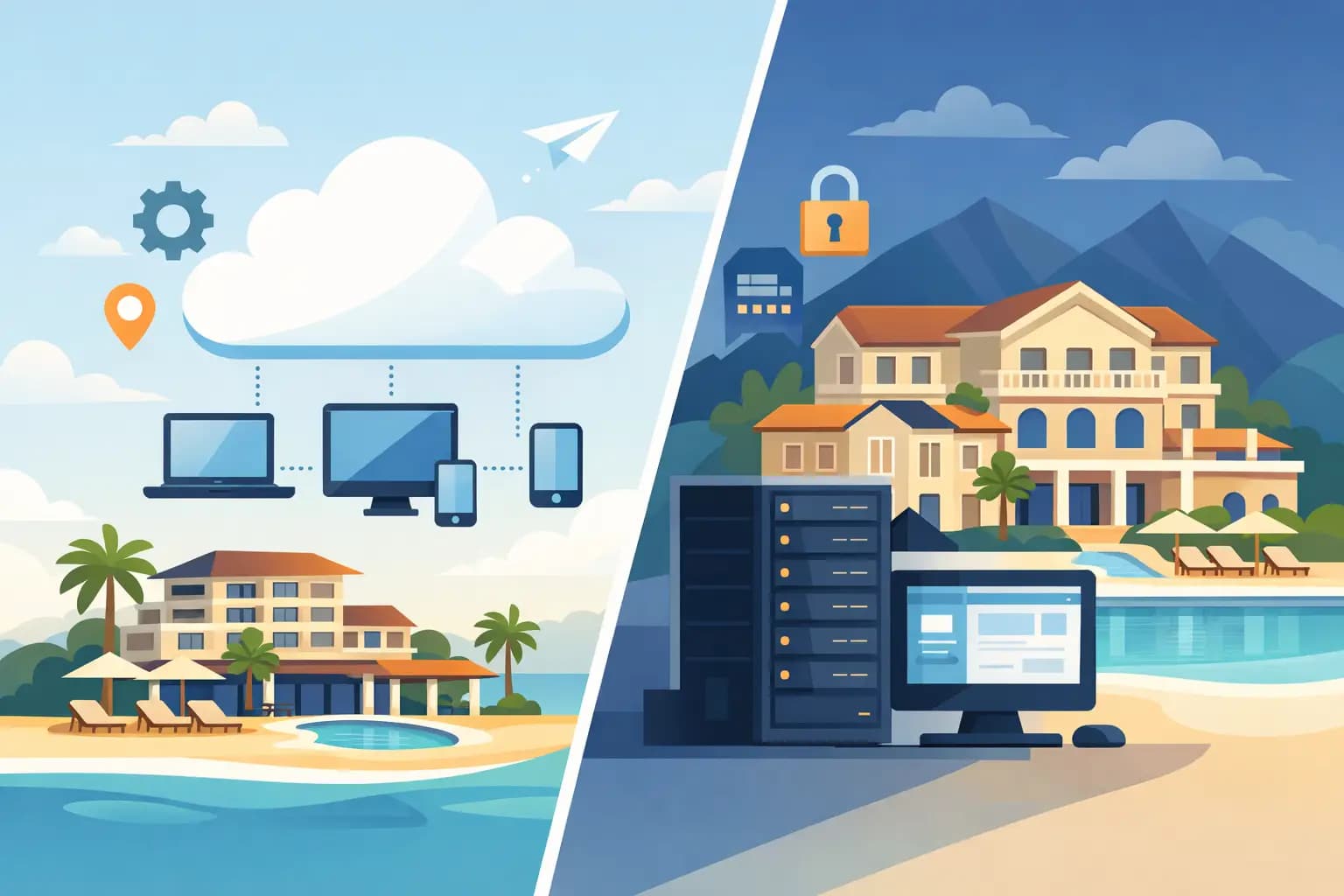
A front-desk closure, a rate change that has to reach several channels and a last-minute booking are enough to put a property’s technology to the test. In the cloud vs on-premise PMS debate, the decision isn’t only about where the software is installed. It defines how quickly your team works, how well you can sell without errors and how much control you keep as the business grows.
An on-premise PMS can still make sense in specific cases, but the cloud model has become the most common choice for properties that need to operate connected, automate tasks and make commercial decisions with up-to-date data. The key is to weigh the real impact on the front desk, distribution, payments, maintenance and the guest experience.
Cloud vs on-premise PMS: the difference that affects operations
An on-premise PMS is installed on servers or physical machines at the property itself. The infrastructure, updates, backups and much of the technical maintenance are down to the hotel or to a supplier working on that installation. Traditionally, this model gave a sense of control because the data and the program lived inside the property.
A cloud PMS works over the internet. The team accesses it from a browser or an authorised app, while the supplier maintains the infrastructure, updates the platform and applies security measures to the service. Information is centralised in an environment that users with the right permissions can reach, even when they’re not physically at the front desk.
The difference isn’t theoretical. With a cloud PMS, a general manager can check occupancy, pick-up or production by channel from another location; a revenue manager can adjust rates without waiting to connect to the hotel’s server; and front-desk staff work from the same up-to-date information. With an on-premise model, these things may be possible, but they usually need extra configuration, remote access and more technical dependence.
Connectivity and inventory synchronisation
For a property that sells on its own website, OTAs, metasearch engines or travel agencies, connectivity is decisive. A change in availability or price has to travel quickly between the PMS, the channel manager and the booking engine. If synchronisation is delayed, the risk of overbooking, rate disparities and sales you later have to apologise to the guest for goes up.
Cloud PMSs are designed to integrate continuously with the distribution ecosystem. This lets you centralise allotments, restrictions, bookings and cancellations in a single operational flow. It isn’t just about saving clicks: reliable availability protects the property’s reputation and stops the front desk spending hours fixing incidents.
An on-premise PMS can also connect to channels, but you should check how that integration works, what maintenance it needs and what happens if the server goes down. The supplier’s response to a connection failure or an update is just as important as the commercial functionality you see in a demo.
Upfront cost vs operating cost
Cost is one of the most common arguments when comparing cloud vs on-premise PMS. However, focusing only on the monthly fee or the licence price leads to incomplete conclusions.
An on-premise PMS usually means a higher initial investment: licences, servers, installation, configuration, backups and, sometimes, replacement hardware. You also have to factor in updates, support, cybersecurity and the hours of staff or the external technician who resolves incidents. It’s a less visible expense, but a recurring one.
The cloud model normally runs on a subscription. This turns a large part of the technology investment into a predictable cost and makes it easier to scale the service if the property adds rooms, apartments or new establishments. Product improvements are also rolled out without having to plan a manual update on every machine.
That doesn’t mean the cloud is automatically cheaper for everyone. A very small property with a simple operation and no active distribution strategy may weigh up the investment differently. But for businesses with several channels, rotating staff or ambitions to grow, the savings in time, errors and technical support usually outweigh the cost of the licence.
Security: data isn’t safer just because it sits on a computer
Security is a legitimate concern, especially when you handle personal data, payment information and guest documentation. Even so, associating a local server with greater protection is a common mistake. Keeping information inside the hotel doesn’t remove the risks of hardware failure, ransomware, unauthorised access, fire, theft or badly managed backups.
Real security depends on the controls applied. With a trustworthy cloud PMS, the property should have encryption, access by user and role, proper authentication, activity logs, backups, monitoring and recovery protocols. It should also know where the data is stored, what measures apply in the event of an incident and how data protection regulations are met.
With an on-premise PMS, these responsibilities fall largely on the property. If there is no tested backup plan, if passwords are shared between shifts or if machines aren’t updated, the risk grows even when the server sits behind the front desk. The right question isn’t whether the data is in the cloud or at home, but who protects it, with what resources and with what continuity.
Mobility to manage and sell better
Hotel management no longer happens only at the front-desk computer. A sales manager needs to check how bookings are developing before a meeting. The general manager may need to approve a price change outside normal hours. And the operations team has to respond quickly when there’s an incident in an apartment or a special request.
A cloud PMS provides mobility without duplicating information or depending on a single physical workstation. This is especially useful in hotels with several areas, small chains, holiday rental properties with scattered units, campsites or properties where the front desk isn’t open 24 hours.
Mobility must come with well-defined permissions. Not every user needs to see confidential rates, financial data or critical settings. A good system lets each profile access what they need to do their job, without opening unnecessary doors within the operation.
Integrations: avoiding a hotel made up of islands
A PMS shouldn’t be an isolated file of bookings. Its value grows when it shares information with the channel manager, the booking engine, payments, online check-in, invoicing, revenue tools and restaurant systems. The more tasks are repeated between disconnected platforms, the more time the team loses and the more room there is for human error.
The cloud model makes a connected operation easier, but not all integrations are of the same quality. Before choosing, ask for a demonstration of everyday flows: how a booking arrives from an OTA, how inventory is updated, how a payment is processed, how pre-arrival communication is sent and how a cancellation is reflected.
It’s also worth assessing how deep the integration goes. Two tools exchanging data doesn’t mean they eliminate manual work. If staff have to re-enter amounts, search for bookings or reconcile payments across several systems, the technology isn’t solving the underlying problem.
When an on-premise PMS can fit
Although the cloud offers clear advantages for most modern properties, there are scenarios where an on-premise PMS can be kept for the time being. This can happen at properties with very unstable internet connectivity, in operations with very specific technical requirements or in businesses that depend on legacy developments that are hard to replace in the short term.
Even in those cases, it’s worth analysing the opportunity cost. Keeping an on-premise system to avoid a change can limit direct sales, delay the automation of processes and make expansion more complicated. Many migrations fail not because the new PMS is unsuitable, but because they are framed as a technology project rather than an operational and commercial improvement.
The transition should include data cleansing, a review of rates and channels, role-based training and a period of support. Changing PMS is an opportunity to get rid of processes that no longer add value, not to replicate them without questioning them.
What to ask before you decide
The best choice doesn’t come from comparing a list of features, but from looking at how your property works on a day of peak occupancy. Ask how long a booking takes to synchronise, how permissions are managed, what support you’ll get, what happens if the connection fails and what data you can check to decide on pricing and distribution.
Ask, too, about the ability to grow without adding disconnected tools. If the PMS can work natively alongside the channel manager, booking engine, payments, communication automation and revenue tools, the team gains time to look after the guest and sell better. That unified view is what lets you move from firefighting to managing with judgement.
Avirato approaches this evolution through a connected hotel ecosystem, with tools to centralise operations, drive direct bookings and reduce dependence on manual processes. The most profitable decision will be the one that gives your team reliable information, the ability to act and the time to grow the business.